
One workspace, from editing to runtime.
This page covers Spring, Java 27, Kotlin 2.4, inspections, agent skills, and built-in HTTP and database tools from the current 2026.2 line. Free versus Ultimate is a license switch inside one installer, not two products.
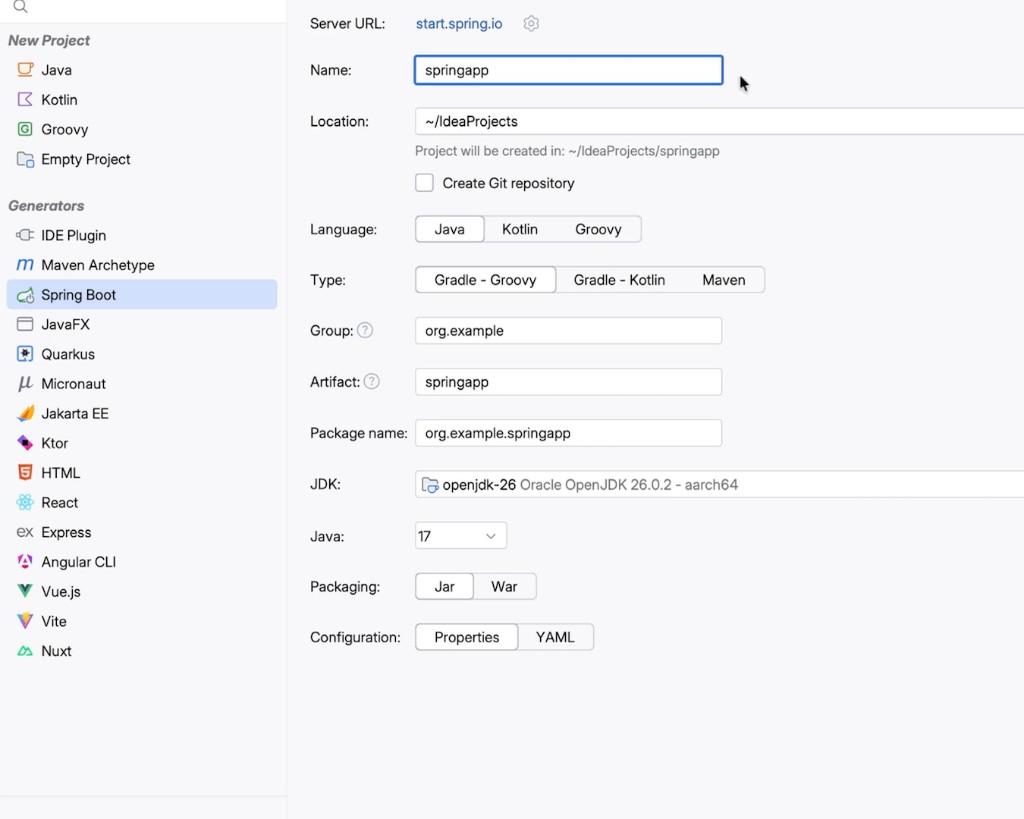
Understand Spring while the app is running.
IntelliJ IDEA still treats Spring as a first-class stack. 2026.2 tightened database migration workflows and Spring Security insights. Free tier keeps syntax highlighting, the Spring Boot wizard, and basic bean awareness. Ultimate keeps the deeper wiring, diagrams, and runtime inspections.
SpringDebugRuntime inspections
If a project will not import, use the first-run JDK steps.
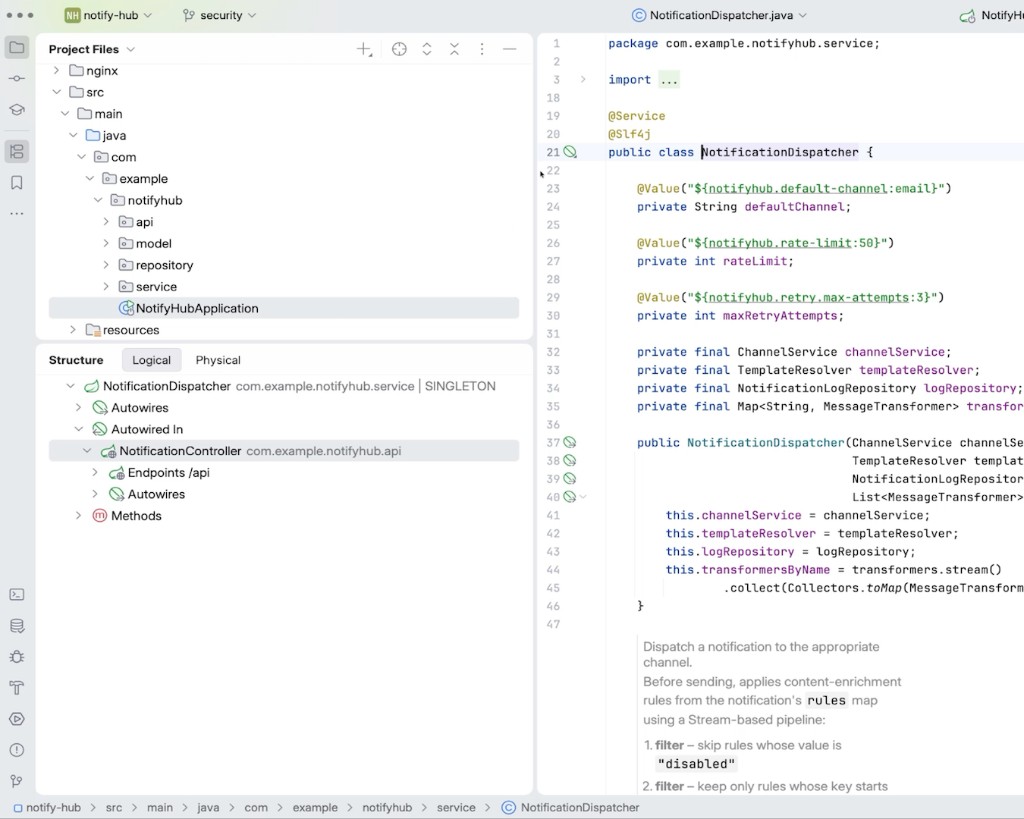
Java 27 and Kotlin 2.4 land in the same editor
2026.2 opened with day-one language support so new syntax lands in the editor, not a later plugin. Front-end files in a JVM repo stay beside the backend on Ultimate.
- Code intelligenceCtrl+Space
- Inspections→
- RefactoringShift+F6
- NavigationCtrl+B
- Debugging→
Java 27Kotlin 2.4TypeScript 7.0Terraform testing
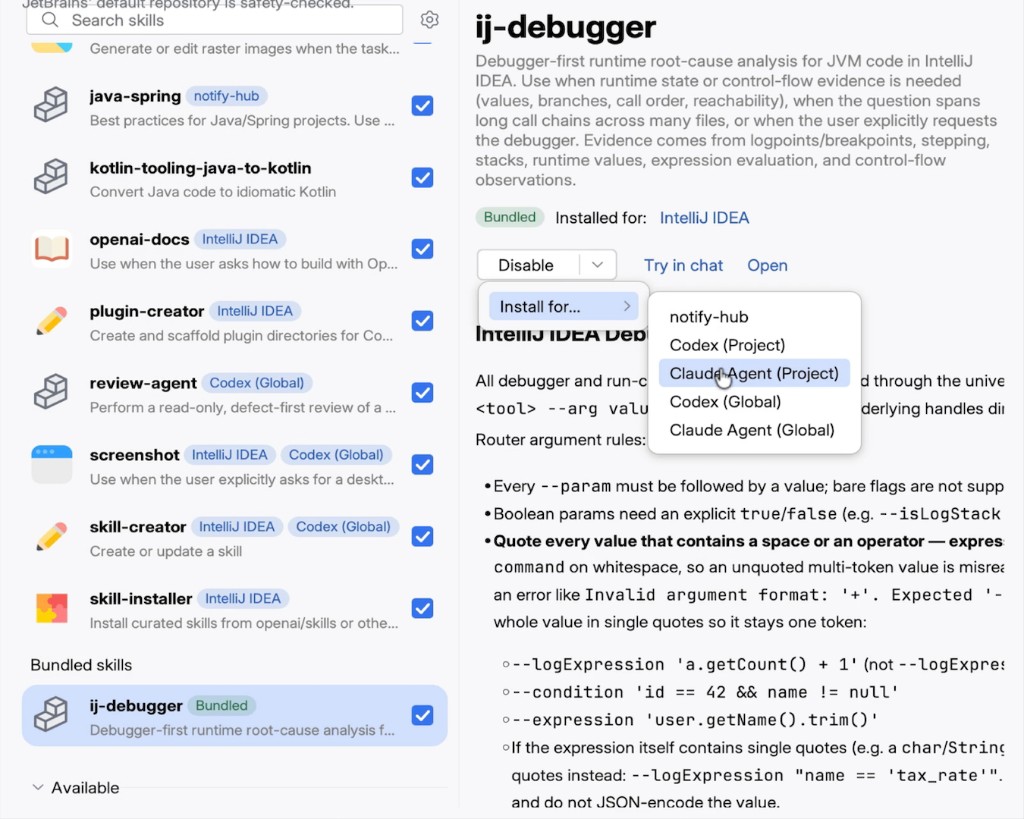
Run the agent on the file you already have open
Skills bundle project knowledge with IDE actions. The official 2026.2 notes list debugging, profiling, database exploration, search, and coverage as tools an agent can call. Native GitHub Copilot integration and third-party completion providers shipped in the same train.
- Assign a task to an agent→
- Call the debugger and profiler→
- Keep GitHub Copilot in-process→
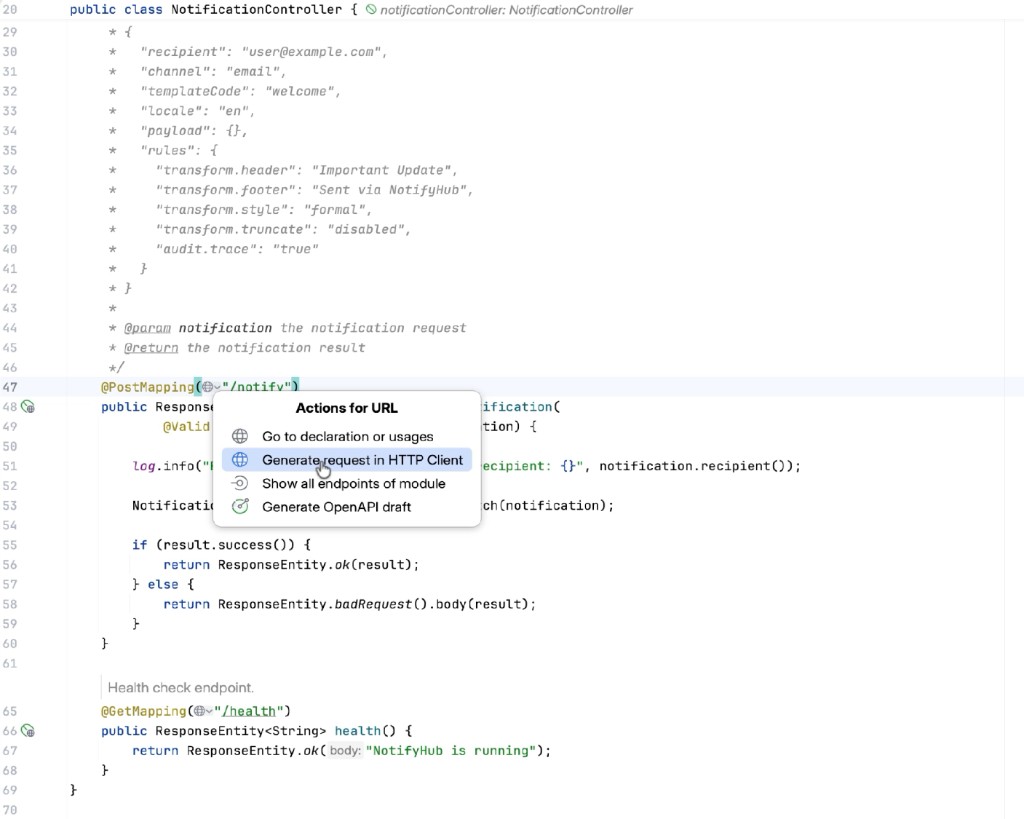
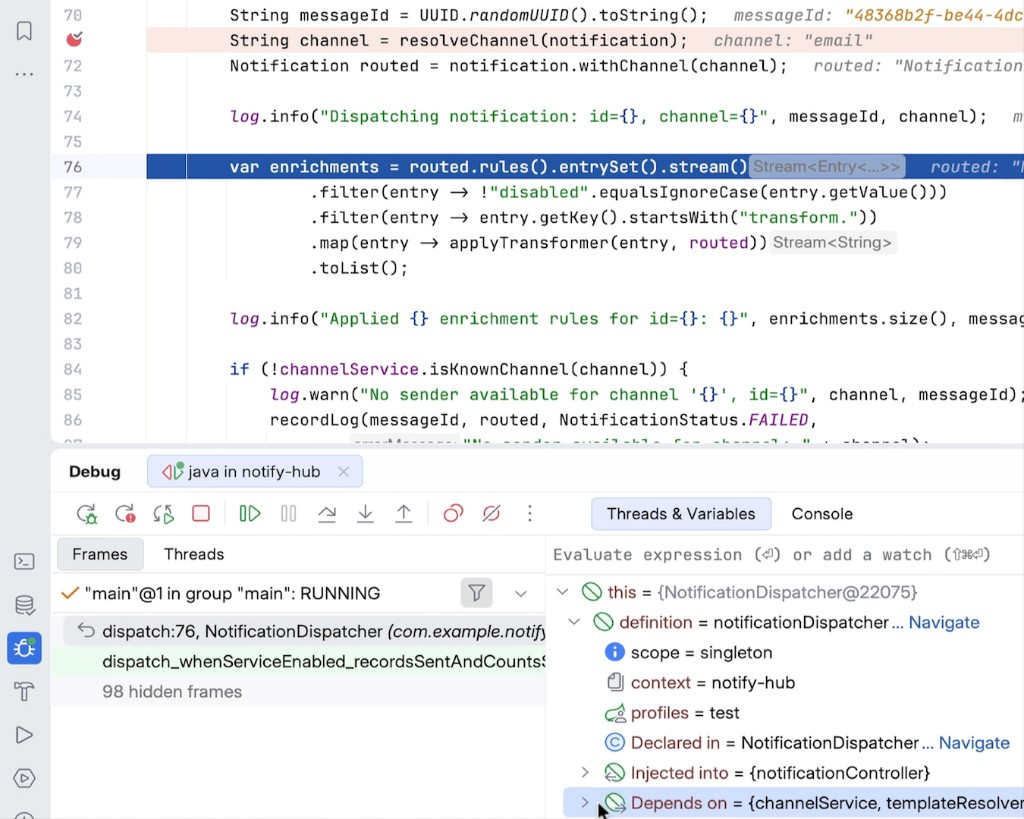
See the state of your program while it is running
Frames, variables, and logpoints stay attached to the running JVM. 2026.2.3 restored debug stop on WSL2 mirrored networking. HTTP Client and OpenAPI drafts sit on the same desk so a breakpoint and a request share one window.
FramesVariablesLogpoints
See the IntelliJ IDEA install guide if a first index stalls before you can debug.
Free core compared with Ultimate
Source: JetBrains unified-product FAQ after 2025.3. After the 30-day trial the IDE keeps running; advanced plugins simply turn off.
| Capability | Included | Workflow | Related guide |
|---|---|---|---|
| Java | Free core | Editor, Maven, Gradle | First run and JDK |
| Kotlin | Free core | Same window as Java 27 | First run and JDK |
| Spring | Highlighting + wizard; deeper on Ultimate | Beans, Security, migrations | First-run JDK steps |
| Database | SQL language + viewer; full tools on Ultimate | Schema and connections | Download IntelliJ IDEA 2026.2.3 |
| Web | Ultimate after trial | TypeScript 7.0, endpoints | New UI checklist |
| AI | Trial only, then Ultimate | Agents, Copilot, skills | IntelliJ IDEA FAQ |
| Debugger | Free core | Logpoints, WSL2 stop | Indexing freezes |
| Version control | Free core | Git in the header widget | New UI and Compact mode |
| HTTP client | Trial only, then Ultimate | Generate request, OpenAPI | Install on Windows |
| Build tools | Free core | Maven window, Gradle 10 preview | Repair caches |